Introduction
The University of Oklahoma has finalized the upgrade to the Kaltura v7 media player, which has replaced the legacy v2 player across our systems. The new v7 player brings faster load times, improved accessibility, better browser compatibility, and a more functional user interface.
You have probably already used the v7 player, it has been set as the default player on MyMedia.ou.edu since 2025. The Kaltura/MyMedia integration with Canvas was also updated for all new embeds starting in 2025. You will recognize the v7 player from the position of the interactive transcript on the right-hand side of the video (as opposed to below the video in v2 player). This Kaltura webpage shows side-by-side comparisons of the v2 and v7 players.
It is important to know that if you have added a video to a Canvas course or embedded a video onto a webpage in the previous 12 months, you have been using the new v7 player.
What can I do?
OU finalized the implementation of the v7 players on May 15th 2026. Any players that could be updated through the MyMedia system were updated at that time.
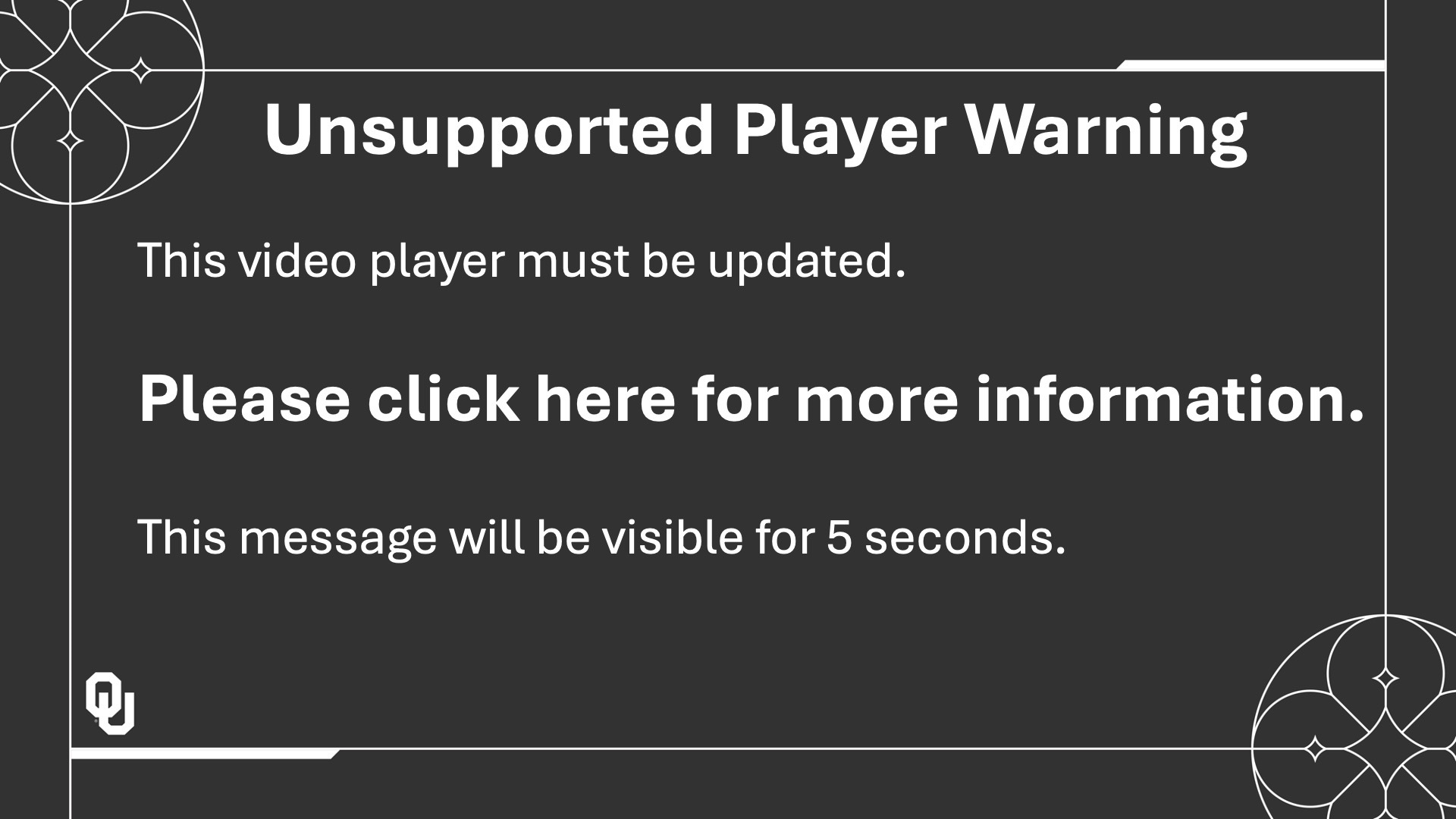
If you are still seeing the Unsupported Player Waring screen at the start of your videos, then you need to manually update your videos.
- Here are instructions for updating a video from within Canvas using the embed tool.
- Here are instructions for updating a video on a webpage using embed code.
Sample of unsupported player warning image is shown below.
If you are having any issues finding your videos in the Canvas embed tool, you can use this Chrome extension to find the video entry ID number. You can then search by entry ID in the Canvas embed tool.
If you have any questions or need some additional support - please submit a ticket to our team.
- You can read more about the OU player updates in our Kaltura MyMedia V7 player Introduction article.
- You can read more about the improvements in the v7 player in the Introduction to Kaltura's V7 player article.